
Discover spontaneously
Let new cities and countries inspire your next adventure.
You know where you are leaving from. Discover places you could fly to, with available flight prices on an interactive map.
Find your next idea: select an airport and discover offers on the world map.
Start exploring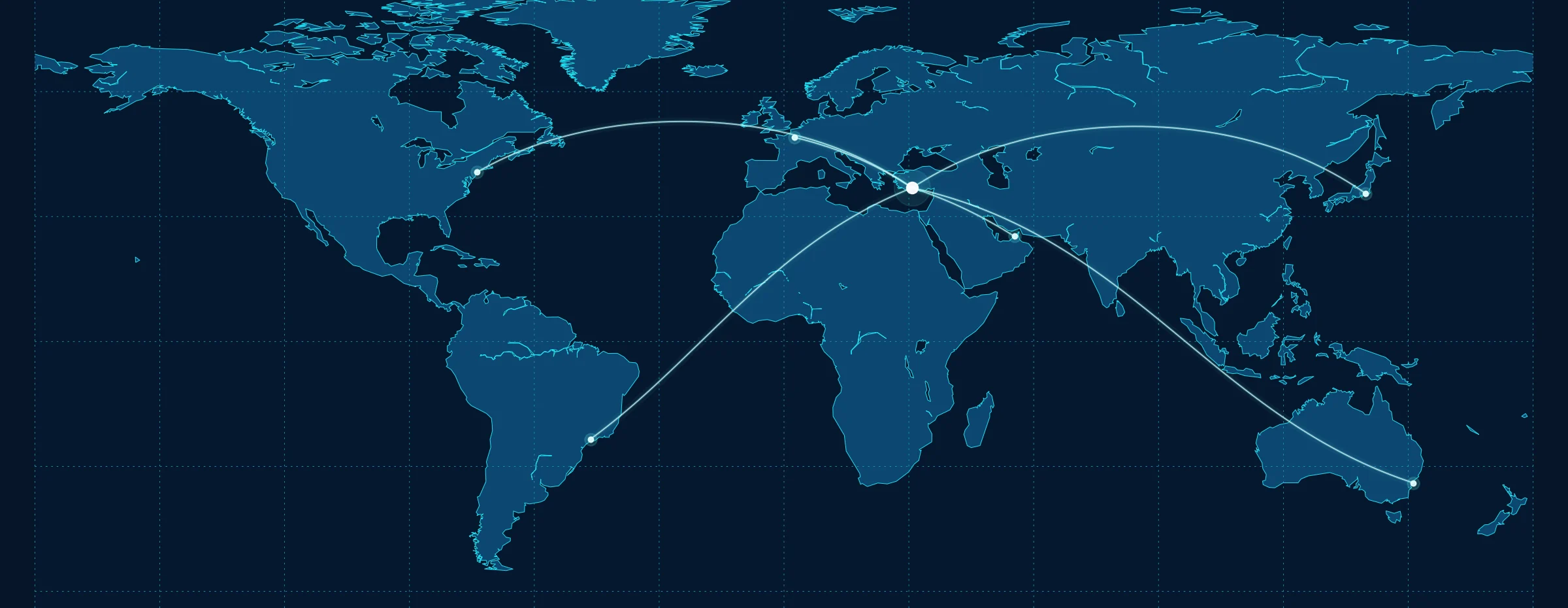
A few popular departure points. No invented fares or routes.
Traditional search asks where you want to go. TakeoffAtlas starts with what you already know: where you depart.
Let new cities and countries inspire your next adventure.
View observed fares on the partner map and check the current price in the search.
Compare ideas now and choose later. Fares can change.
Search by city, airport name or IATA code.
See destinations with available partner price observations.
Continue to FlyFinder to check current tickets.
TakeoffAtlas does not sell tickets. We help you explore options and continue to the flight search; booking happens with the provider.
TakeoffAtlas may receive a commission. Providers set final prices; extras may cost more.
TakeoffAtlas starts with your departure airport rather than a fixed destination. Choose a place such as Dubai, Hurghada or Berlin to open an interactive map of observed flight prices. Explore the destinations available in the map, then start a specific search through FlyFinder.
No. You only need a departure airport. The map is designed to help you discover places, compare regions and find travel ideas you may not have considered before.
Yes. Enter an airport name, a city or a three-letter IATA code. If several airports serve the same city, select the correct one explicitly rather than assuming that a city name refers to just one airport.
The airport search can present the relevant airports and their IATA codes for you to choose from. Selecting the right airport is important for fare comparisons and travel planning. Check the airport shown on your booking before purchasing.
TakeoffAtlas uses a growing international airport directory. A listed airport does not guarantee that the price map currently has offers from that location. Visible destinations depend on the observations available to the map provider.
No. The widget shows destinations for which its provider has suitable price observations. It is not a complete flight timetable or a catalogue of every airline. A destination absent from the map may still appear in a separate FlyFinder search.
Use the direct-flight option on the airport page to narrow the available results, or switch it off to allow connections. Smaller airports may show very few price markers when this filter is active. Always check the actual itinerary before booking.
Price markers are a quick way to spot comparatively inexpensive destinations in the available dataset. They may refer to different travel dates and fare conditions. Compare dates, trip type, baggage and final price before deciding.
No. They are observed prices that can change with availability, demand and fare rules. The subsequent search and the ticket provider determine which offers are still available for your requested dates.
The price map and the following flight search may draw on data collected at different times. Baggage allowances, payment methods and fare details can also affect the final amount. Compare the actual itinerary and inclusions before choosing an offer.
Depending on the widget settings, the map may support one-way and return-trip offers. Always compare fares of the same trip type. The price of a one-way ticket cannot be treated as the price of a full return journey.
Yes. You can explore possible destinations now and check particular travel dates later. Observed prices are snapshots rather than long-term promises, so perform another search before booking.
Not necessarily. Some low fares include only a limited hand-baggage allowance, while checked bags may cost extra. Review the baggage rules and optional extras in the search results and with the final provider.
No. TakeoffAtlas does not sell tickets. When you select a destination, the map can lead to the FlyFinder flight search; booking and payment take place with the airline or travel provider you choose.
No TakeoffAtlas account is required for airport search or map discovery. Once you visit a third-party booking website, that provider may request traveller information and apply its own privacy and booking terms.
Airport search and the flight discovery map are free for visitors. TakeoffAtlas may earn a commission from clearly marked partner referrals. We do not add our own ticket-selling fee; fare details and extras are determined by the final provider.
The map is provided by Travelpayouts and loading it can connect your browser to external servers. You can decide whether to activate that external content. Our own airport information and search pages remain accessible without it.
First check whether you allowed the external widget and whether a content blocker is preventing it from loading. Some airports have very few price observations. Try toggling the nonstop filter, or use the direct FlyFinder search.
Yes. Our website and airport search are designed for phones, tablets and desktop computers. The embedded map belongs to an external provider, so its appearance on smaller screens must be tested separately. A direct flight search remains available.
The website is prepared in German, English, French, Spanish, Italian and Turkish. The matching map language is requested through the options supported by the widget provider. Some airline and booking-site information may still appear in a different language.
No destination required. Just choose your departure airport.
Explore the world ↗